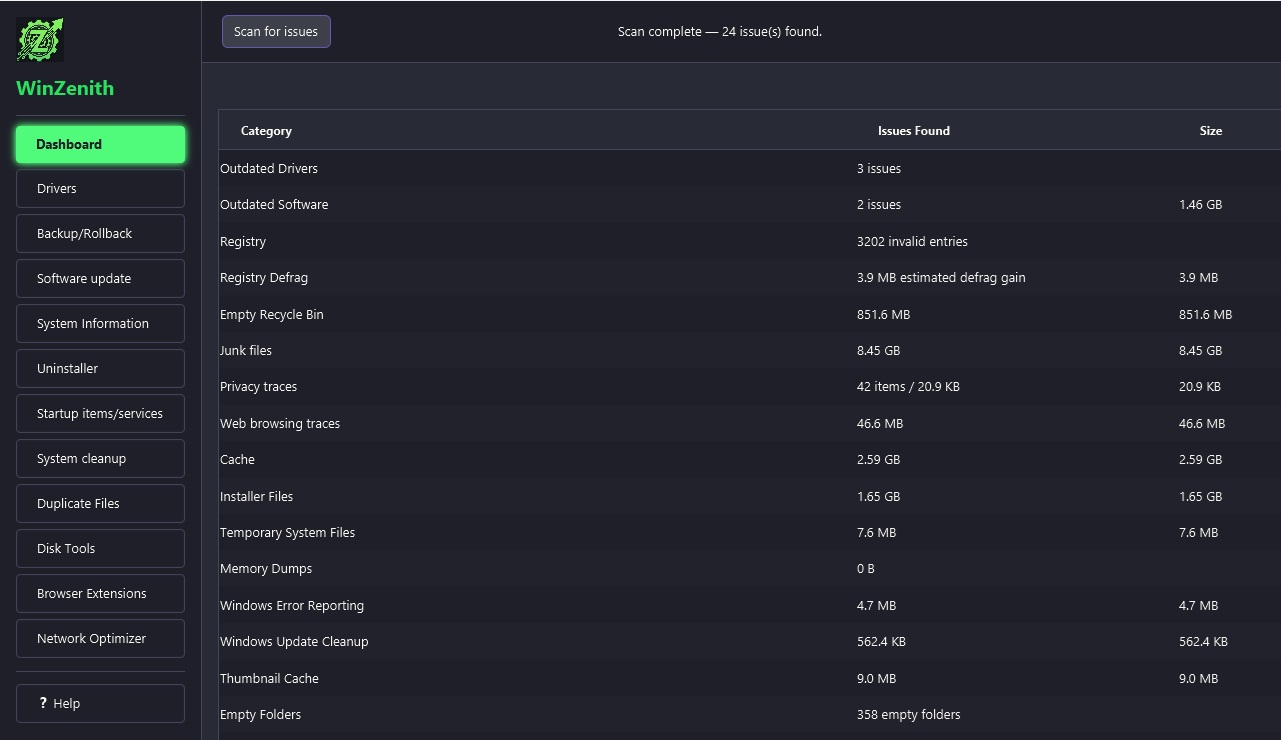
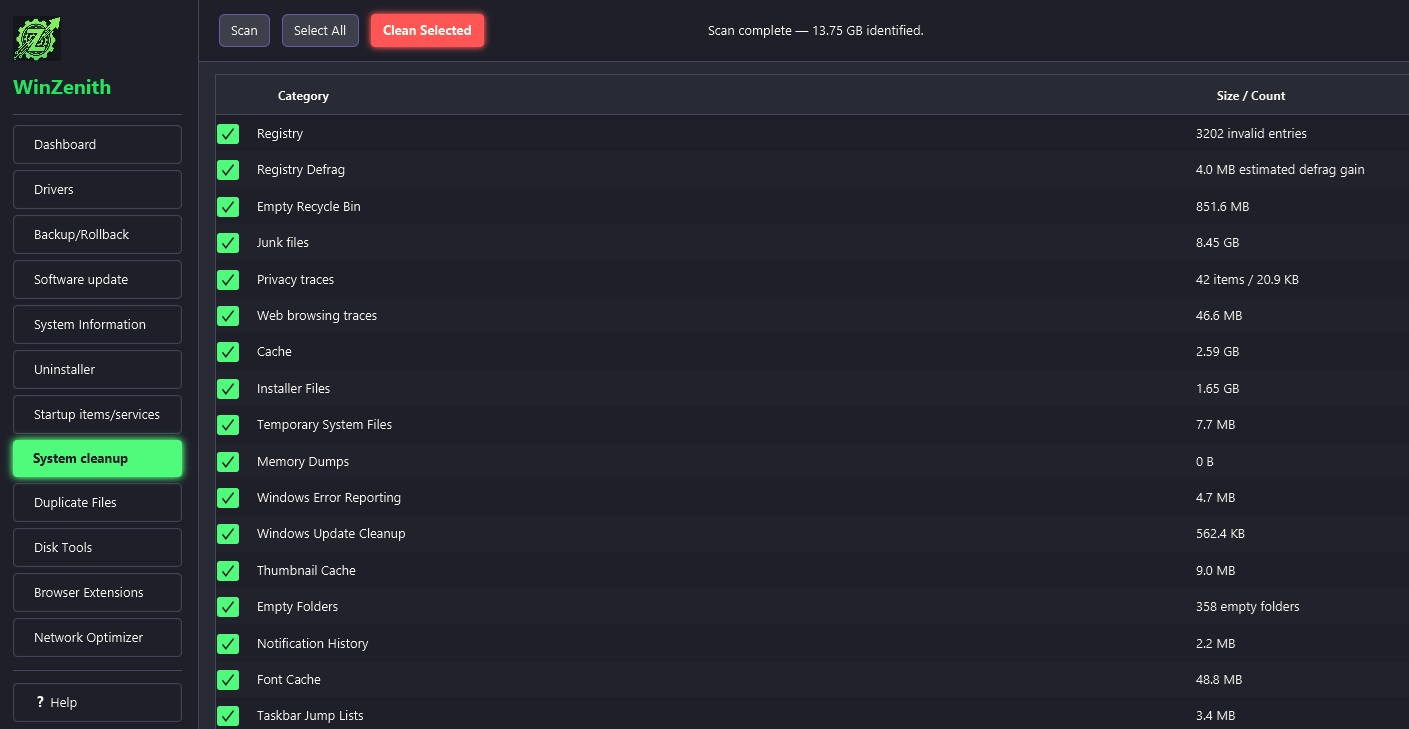
WinZenith is a free Windows optimization suite that puts many of the maintenance and cleanup tools you normally need into a single, modern interface. From removing junk files and completely uninstalling stubborn applications to optimizing system settings, updating drivers, and even defragmenting traditional hard drives, WinZenith makes routine PC maintenance quick and straightforward.
Grab WinZenith-1.3.4-portable.zip from GitHub Releases.
2
Extract
Unzip it to any folder — USB stick included. Nothing gets installed.
3
Run
Launch WinZenith.exe as Administrator and start optimizing.
ⓘ Windows SmartScreen warning?
When you first run WinZenith.exe, Windows may show a "Windows protected your PC" message.
This is normal for new, unsigned applications. To run WinZenith:
1. Click "More info"
2. Click "Run anyway"
WinZenith is completely free and contains no ads or malware.
SmartScreen appears because WinZenith is a free app without a costly corporate digital certificate. The source code is 100% public.
Get started now
Download WinZenith
Free. Portable. No installation required. Designed for Windows 10 and 11.
Portable: run from any folder or USB; delete the folder to remove the app.
Private: zero telemetry; maintenance tools run locally on your PC.
Transparent: full application source is public on GitHub for audit and contribution.
Good to know
Frequently Asked Questions
Is WinZenith completely free and safe?
Yes. WinZenith is 100% free and contains no ads, telemetry, or bundled software. The source code is publicly available on GitHub, and the executable is verified clean by VirusTotal and Softpedia's 100% Clean Award.
Does WinZenith require installation?
No. WinZenith is fully portable. Simply download the ZIP, extract it, and run the executable. No installation, no registry changes, and no leftover files when you delete it.
Which Windows versions are supported?
WinZenith supports Windows 10 and Windows 11. It requires no additional dependencies or runtimes to be installed.
Does WinZenith use Winget for software updates?
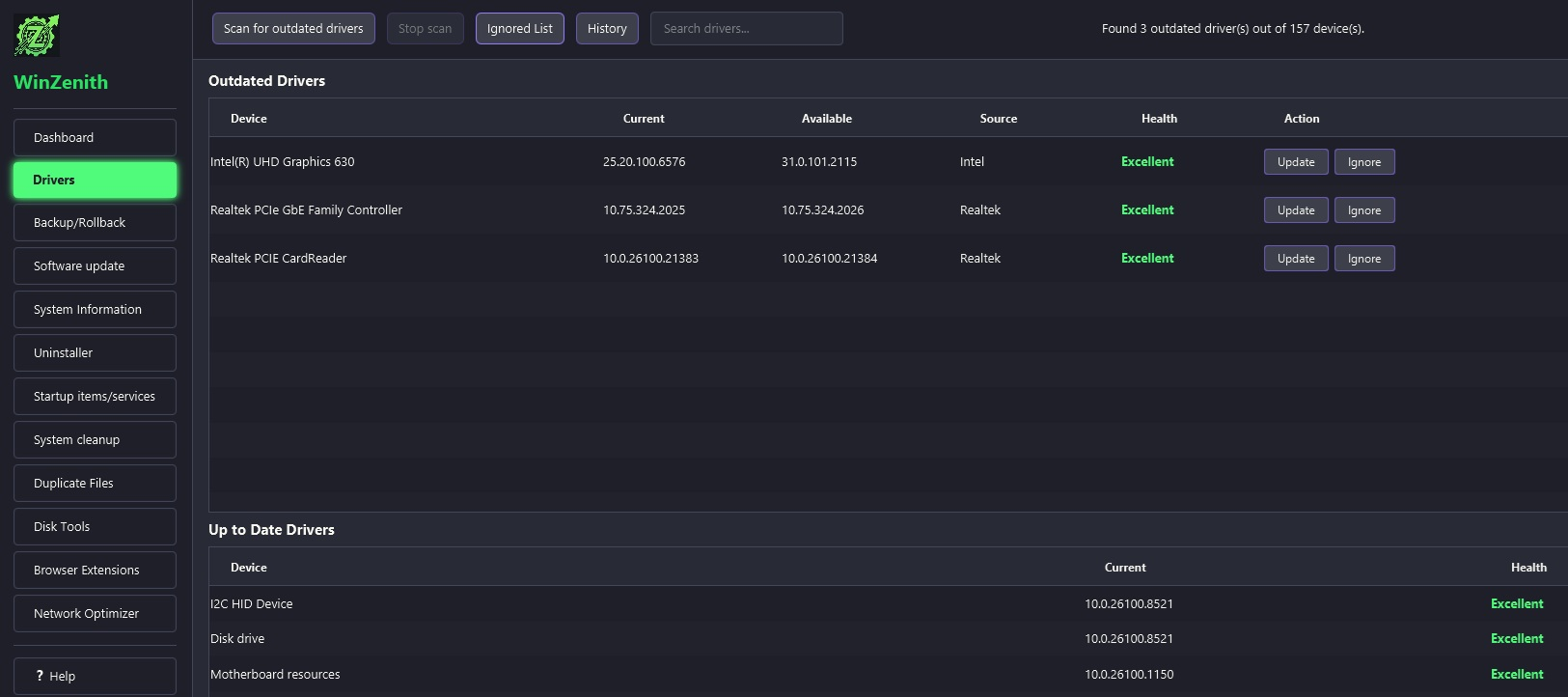
Yes. WinZenith integrates the Windows Package Manager (winget) to scan for outdated applications and install updates from your configured winget sources. Driver updates use WinZenith's built-in driver catalog and providers, separate from winget.